Photography
How to Photograph Watches Like a Pro
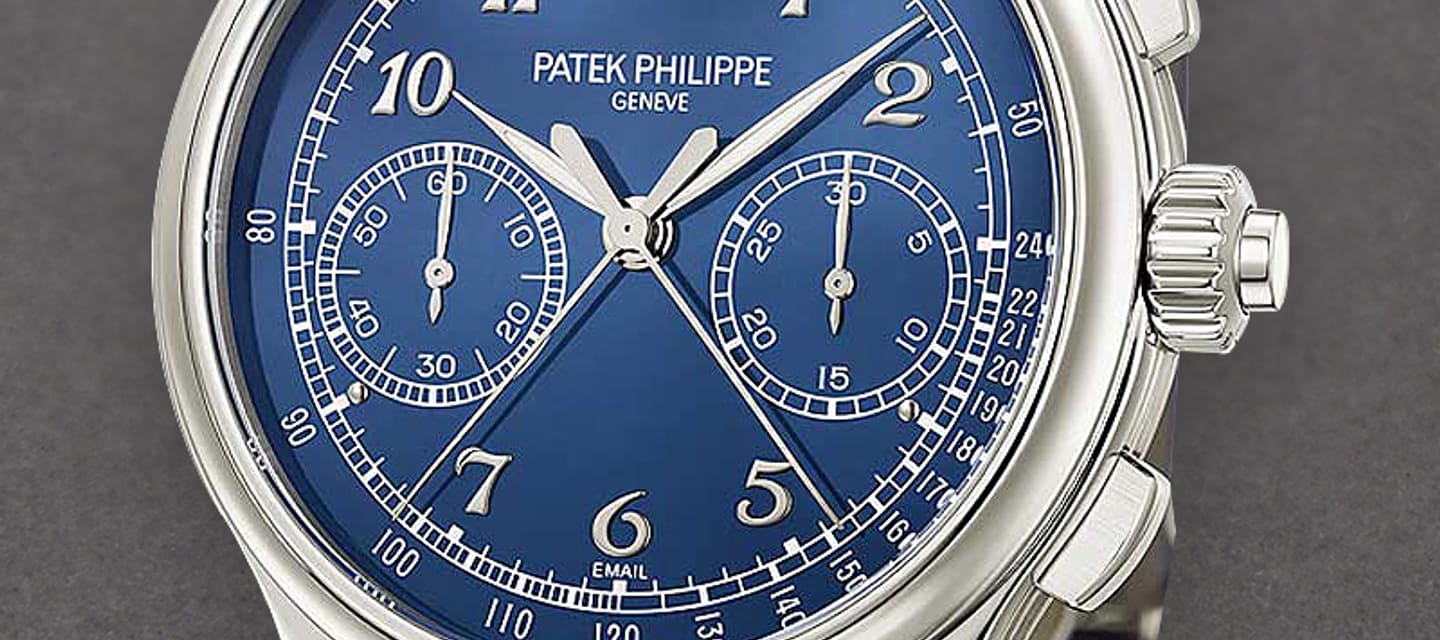
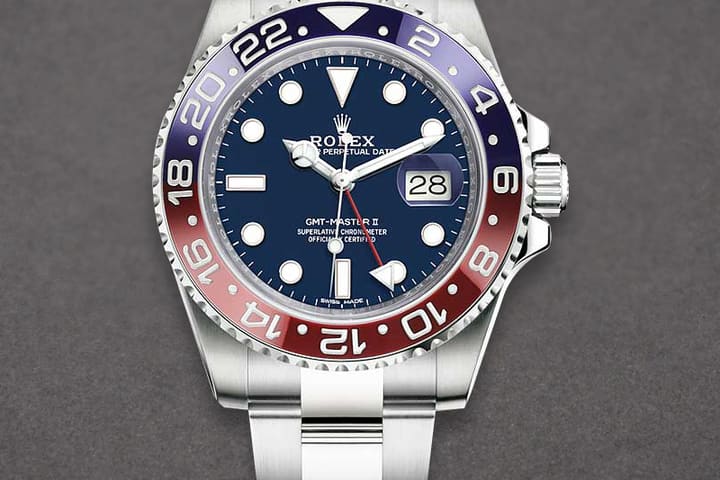
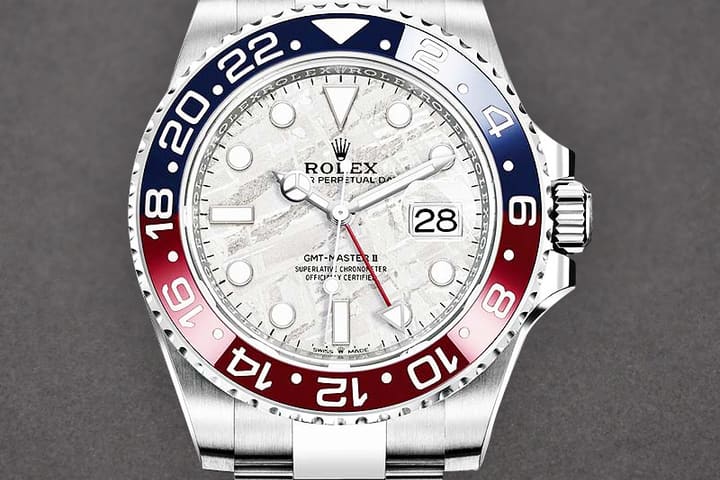
Scroll any dealer group and you can tell within seconds who runs a tight operation. It usually isn't the inventory — it's the photos. Same background, same angles, same light on every piece. That consistency reads as professionalism, and professionalism is what makes a stranger comfortable wiring five figures for a watch they've never held.
You don't need a studio or a photography course. You need one small setup you never tear down, a fixed shot list, and a batch habit. Here's the working version.
The enemy is the crystal
Sapphire is a mirror. Point a bare bulb, a ring light, or direct sun at it and the buyer sees your ceiling, your phone, and your hands instead of the dial. Everything in this setup exists to solve that one problem: light the watch with a big, soft source and keep every hard point of light out of the reflection path.
The eight steps
- Build a permanent station. A corner of a desk is enough: a sheet of matte white or light-grey card as a sweep, one softbox — or a north-facing window with a cheap diffusion panel; a white bedsheet works — and a pencil mark so the watch sits in the same spot every time. Never dismantle it. The whole point is zero setup cost per watch.
- Prep the piece like it's going under a buyer's loupe. Microfiber or gloves so you're not adding prints while removing them, Rodico for dust in the crevices, a proper wipe of crystal and bracelet. Set the hands around 10:10 so they frame the dial and don't block subdials, and correct the date — a wrong date wheel screams that nobody checked.
- Dial-on, dead square. Straight down or straight on, dial filling most of the frame. Tilt the watch a few degrees until the reflection slides off the crystal — watch your screen, not the watch. This is the hero image; it goes first in every listing, every time.
- Crown-side profile. Case flank, crown, and lugs sharp. Polish history lives here: soft lug edges and rounded bevels show in this shot before anywhere else. A clean profile answers "has it been polished?" before the buyer asks.
- Caseback. Engravings, stickers, and the serial area — angle or obscure the serial itself if that's your policy. On exhibition backs, use the same tilt trick to kill the reflection off the glass.
- Wrist shot. Same wrist, same sleeve, same angle, ideally near a window. Flat lays sell condition; the wrist shot sells proportion, and it's the photo buyers put themselves inside.
- Condition close-ups — including the ugly ones. Photograph the clasp scratch and the bezel hairline deliberately, in focus, not buried in shadow. A flaw the buyer finds in your photos builds trust; a flaw they find in the box ends the relationship. This is the photographic half of building trust with online buyers.
- File before the next watch hits the sweep. Shots go into a folder named by brand, reference, and serial immediately. Photos living in a camera roll as IMG_8841 are photos you will be re-shooting in a month.
Phone or camera? Honestly: mostly phone
A modern phone in good light beats a mishandled camera every day of the week, and for dealer-group and storefront listings it's genuinely enough. The camera earns its place in one job: macro.
| Rig | Where it wins | Watch out for |
|---|---|---|
| Modern phone | Speed, dealer groups, storefront listings. Shoot at 2x–3x optical zoom so case geometry doesn't distort. | Auto-HDR and sharpening exaggerate dial texture and can misrepresent condition — dial the processing down. Never digital zoom, never portrait blur on product shots. |
| Mirrorless or DSLR with a macro lens | Condition macros, movement shots through exhibition backs, hero images you'll reuse for months. | Slower per watch, and RAW files need editing time. Only worth it if the batch habit is already solid. |
Batch, don't dabble
Pick one slot a week and shoot every new arrival in a single session: same station, same shot order, one pass. Because the light never changes, one exposure and white-balance tweak applies to the whole batch — no filters, no per-photo fiddling.
The payoff is compounding. When photo one of every listing is always dial-on, photo two is always the crown side, and the background never changes, a buyer scrolling your storefront or your WhatsApp groups sees one shop, not five different sellers. That recognition is worth more than any single great photo.
It also removes the real bottleneck. Most dealers don't have a photography problem — they have a "the watch arrived Tuesday and still isn't listed Friday" problem. A fixed station and a weekly batch turn photography from a chore you postpone into a fifteen-minutes-per-watch routine.
Where the photos go next
Shooting to a standard only pays if listing to a standard follows. In WatchFlow, photos attach to the inventory record once; AutoCaption drafts the listing caption from the details you've already logged, and a single post from inventory goes out to WhatsApp and Telegram simultaneously — while your public retail and password-gated wholesale storefronts stay auto-synced to the same inventory. Shoot once, caption once, post once: the shop looks consistent everywhere because it literally is the same record everywhere. The full toolset is on the features page.